
Banner Design

Website Banner Design in Delhi NCR

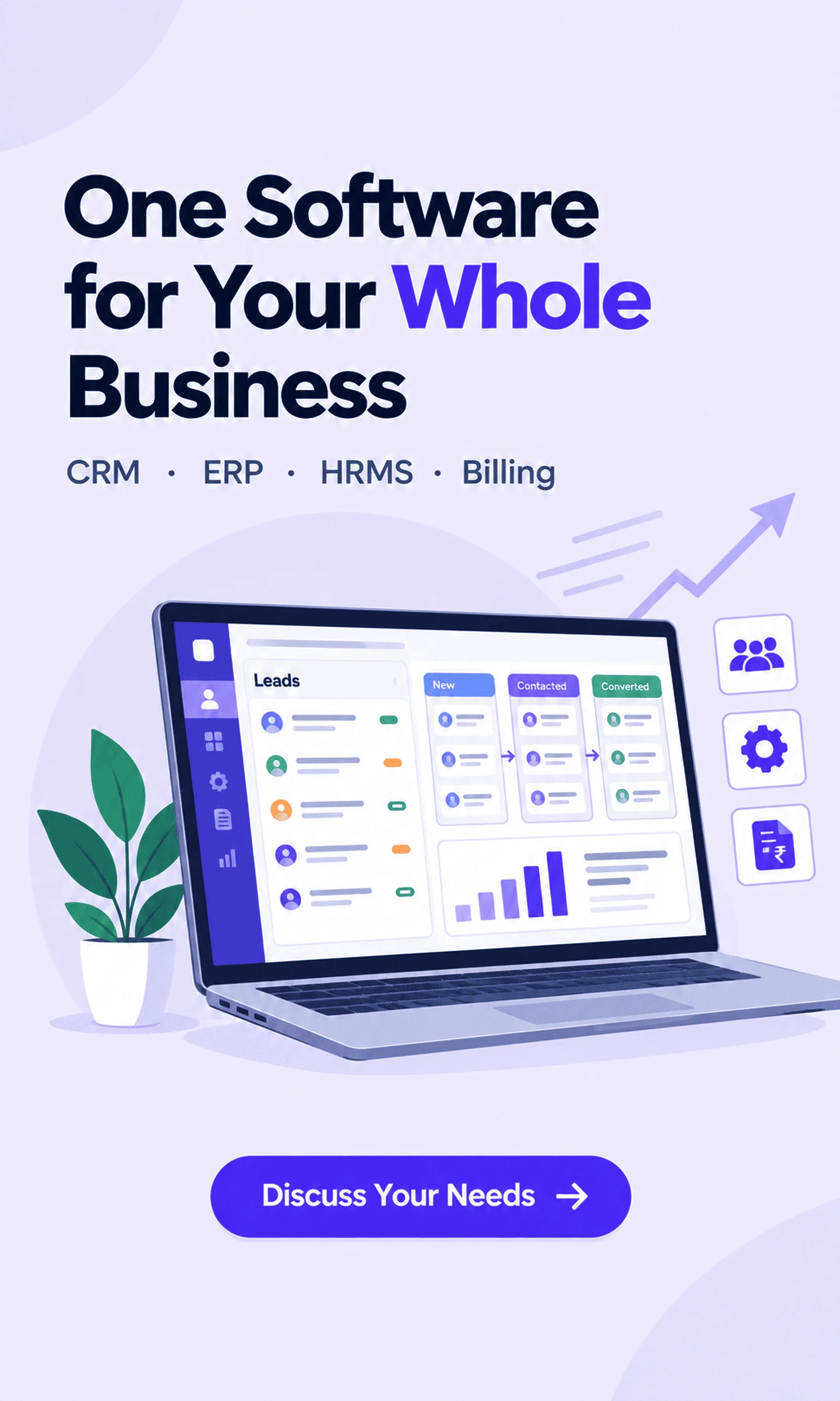
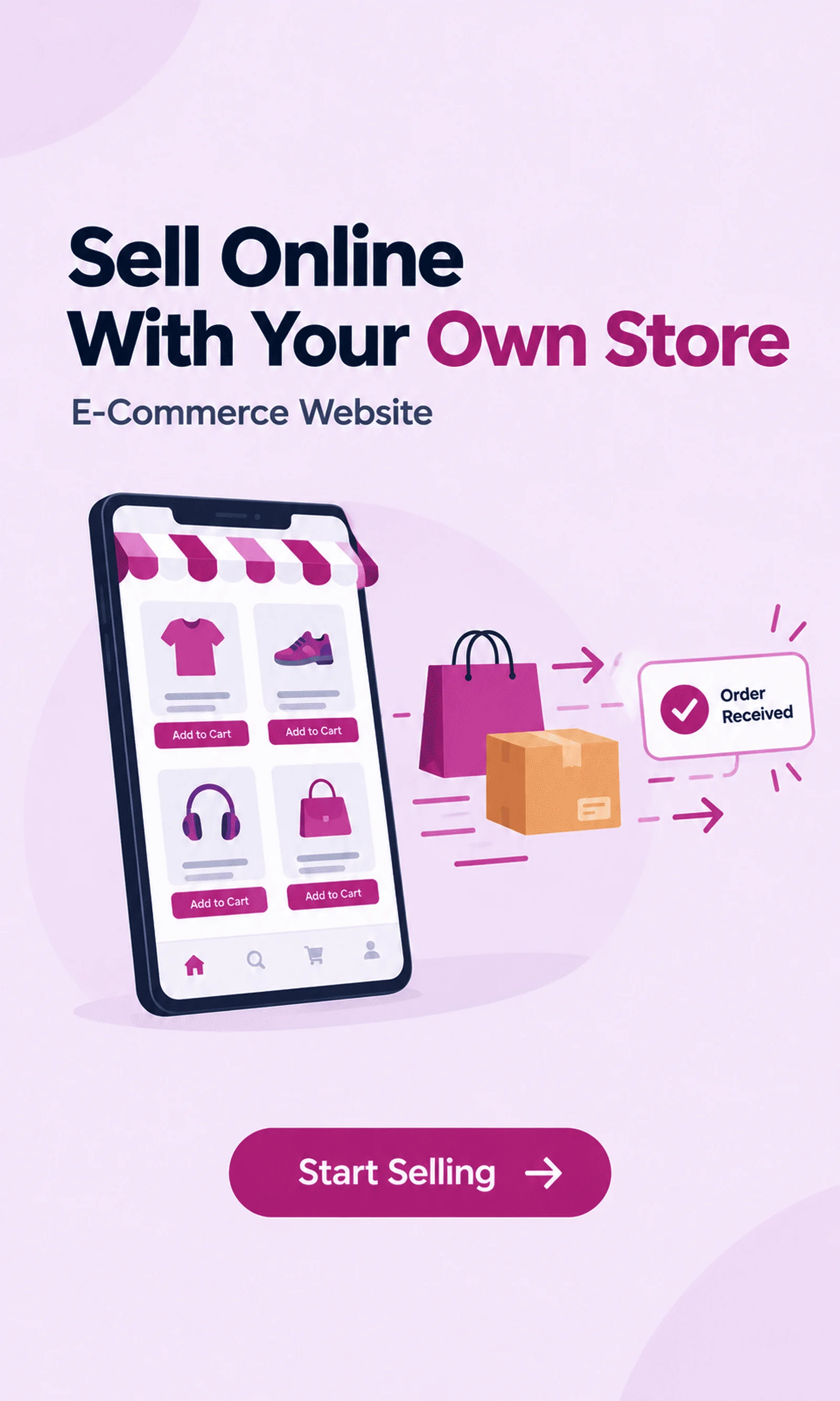
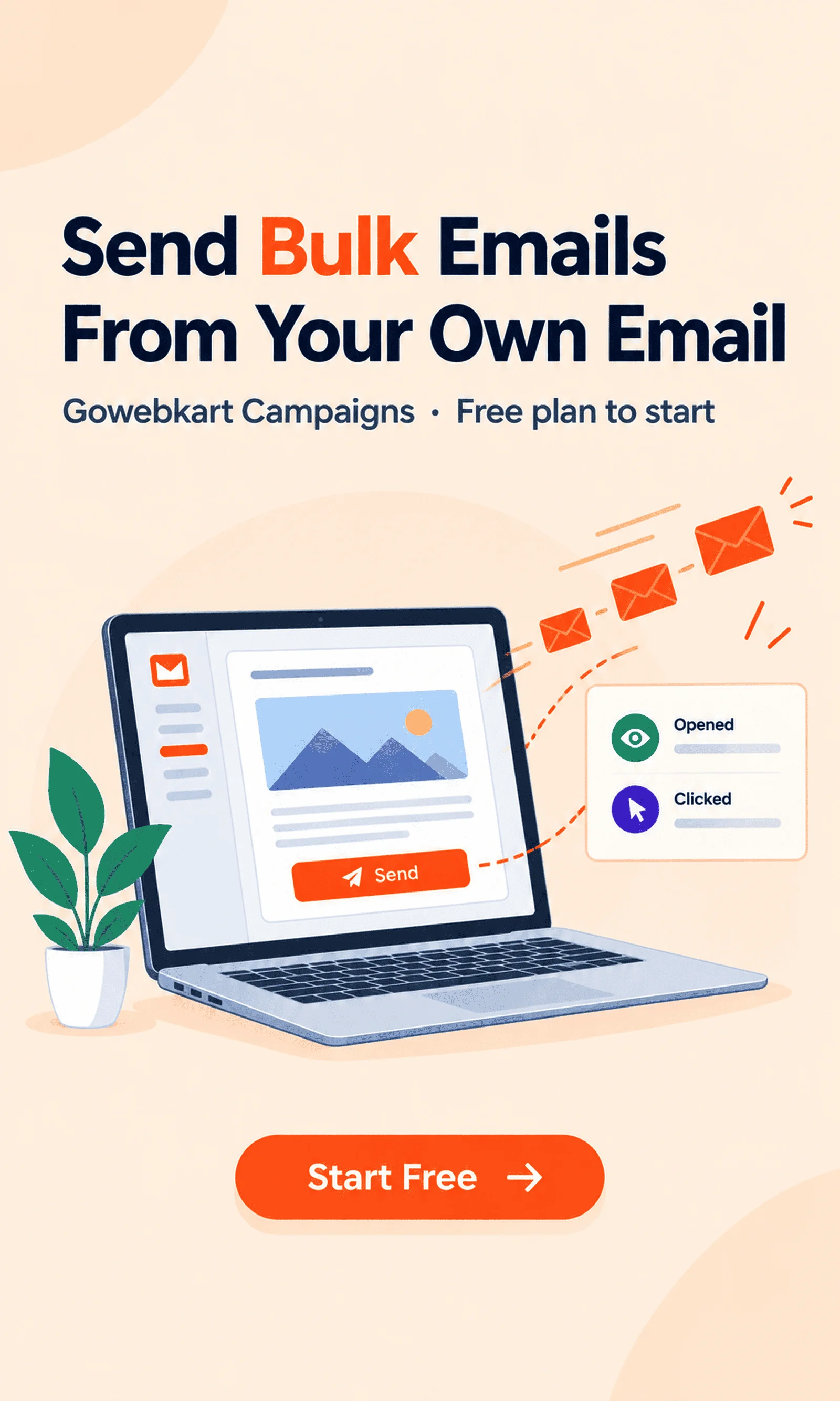
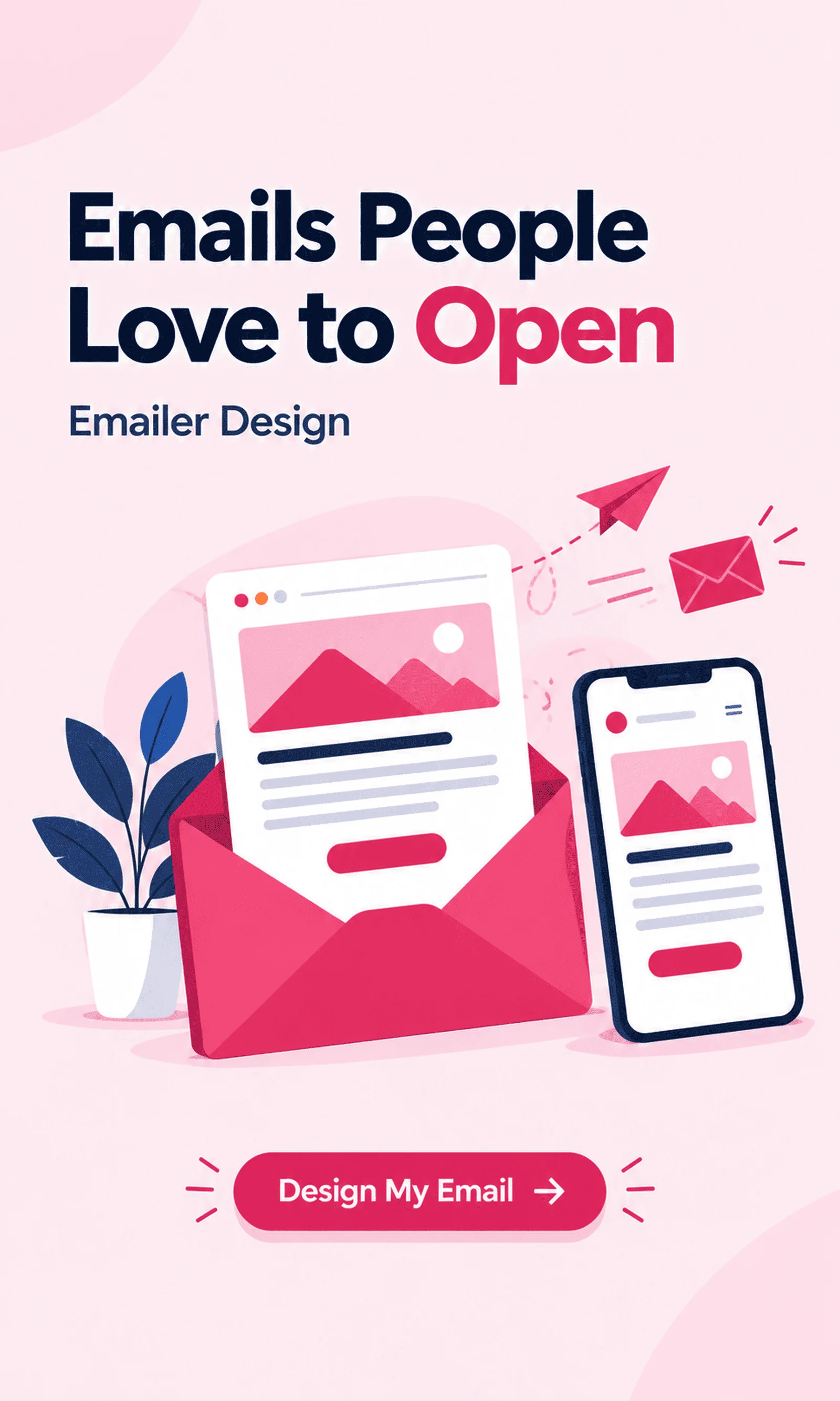
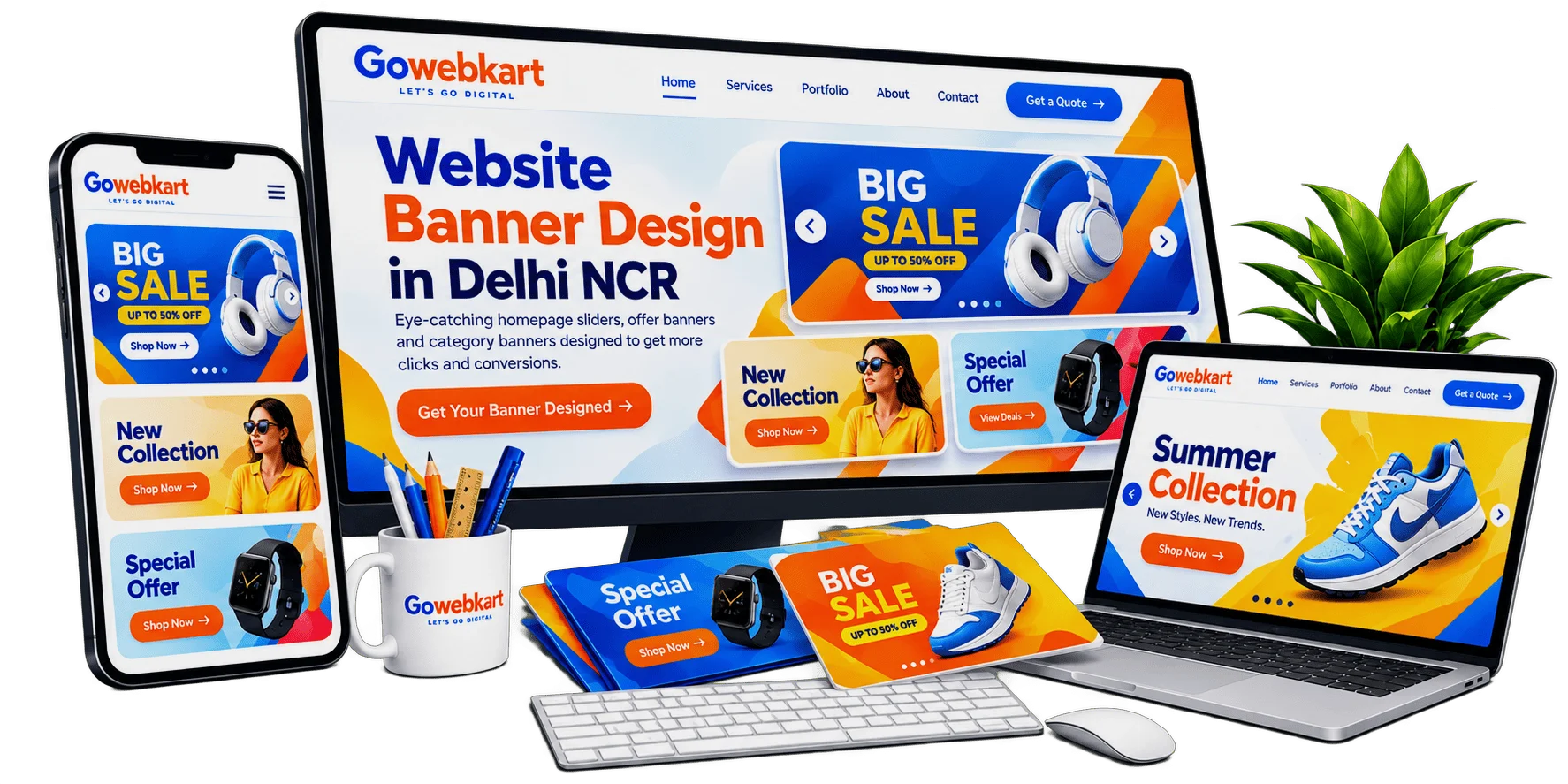
The banner at the top of your website is the first thing visitors see, and it decides whether they scroll or leave. Gowebkart designs homepage sliders, offer banners and category banners with one clear message and a button to act on, in separate desktop and mobile sizes so they look right on every screen.

Website banner design by Gowebkart

Banner types

Website Banners We Design

Banners for every spot on your website and every campaign you run.

  • Homepage Hero Banners

    Large first-screen banners that introduce your business or offer.

  • Slider Banner Sets

    Two to five matching slides for a rotating homepage slider.

  • Offer & Sale Banners

    Discount and festive banners with a clear deadline and button.

  • Category Banners

    Header banners for store categories and service pages.

  • Mobile Banners

    Separate phone-sized versions so text never becomes too small.

  • Marketplace Banners

    Store banners in the sizes online marketplaces require.

Desktop and Mobile

Banners That Work on Every Screen

A wide desktop banner squeezed onto a phone often turns its text unreadable. We design a separate mobile version with the same message rearranged for a narrow screen, keep file sizes light for fast loading and leave safe space so important text is never cropped by sliders or menus.

Learn more about Desktop and Mobile
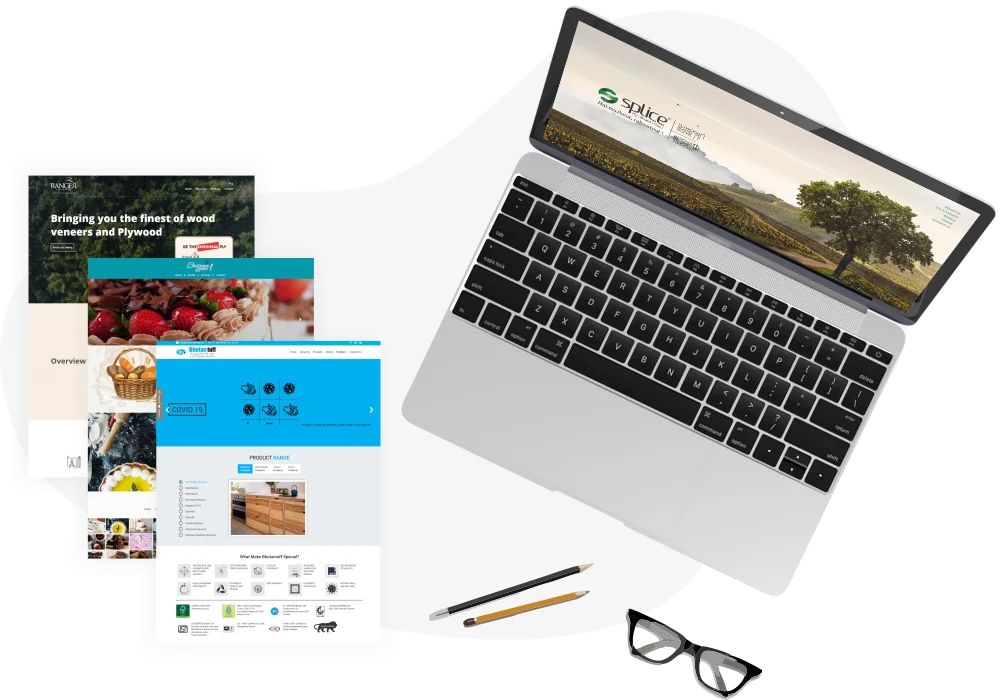
Website designs with banners shown on a laptop screen

How we work

How We Design Your Website Banners

Each banner is built around your website’s own layout, so it fits its slot and reads well on phones.

  1. Check the Banner Slot

    You share your website link and the page where the banner will sit. We check the exact pixel size your theme or slider uses on desktop and mobile, and where menus, slider arrows or dots cover part of the image.

  2. Settle the Message

    Send the offer, product photos and the page the button should open. We settle one headline and one button per banner; in a homepage slider, each slide gets its own message but the same layout, so the set looks planned. Sale banners show the end date clearly.

  3. Desktop, Then Mobile

    We design the desktop banner first and share it for your comments. The mobile version then stacks the headline above or below the product image instead of shrinking everything, and keeps key words away from edges that themes often crop. You approve both versions.

  4. Ready-to-Upload Files

    You receive each banner in its exact desktop and mobile size, exported as a compressed WebP or JPG so it loads quickly and stays sharp. Files are named by page and device for easy uploading, and for the next sale our team updates the offer on the same design.

Let’s talk

Need Fresh Banners for Your Website?

Tell us the offer or message and the banner sizes, and we will design them.

Share your website link, the banner sizes, your products or photos and the message. We will design desktop and mobile versions and confirm the cost.

Call for a free consultation

+91 99992 79077Or Contact Us

Explore more

More Website Graphics Design Services

Reviews

See what our customers think

The website design looks very good and professional. The overall layout, appearance, and presentation are excellent. Great work!

PSS RaoView review on Google
Review 1 of 20
Write a Review
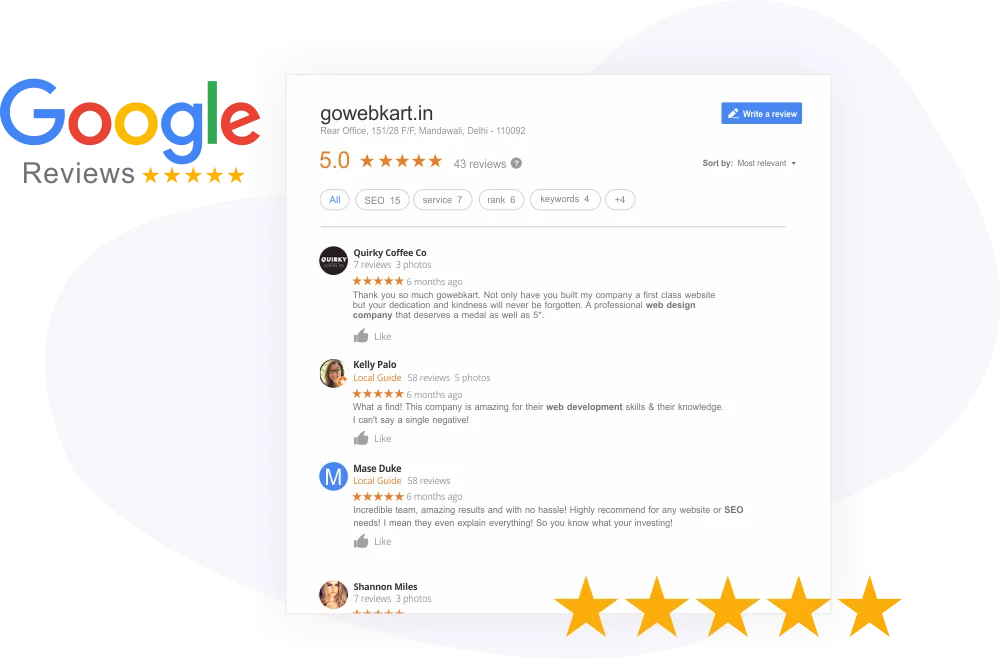
Gowebkart customer reviews on Google

FAQ

Banner Design FAQs

It depends on your website’s theme. Full-width homepage banners are often around 1920 pixels wide, but we always use the exact size your site needs and make a separate mobile version.

A wide desktop banner shrinks on a phone, making text too small to read. A mobile version rearranges the same message for a narrow screen.

Not when they are optimised. We export banners in light formats such as WebP so pages load quickly.

Yes. We can design banners for each festival, sale or product launch whenever you need them.

A website banner needs one short headline, a supporting line, a relevant image and one clear button such as Shop Now or Book a Call. Your logo is usually already in the site header, so the banner can use its space for the offer instead.

A single hero banner is often the better choice, because visitors tend to scroll or leave before the second slide appears. Sliders suit online stores with several offers running at once; if you use one, keep the slides few and put the main message first.

It depends on the number of banners and sizes. Share your list for an estimate, or talk to our designers on +91 99992 79077.